Swift vs Next.js: building an app, a website or a web app
Compare Swift App Store development with Next.js websites and web apps: features, architecture, release processes, costs and how to choose for your business.
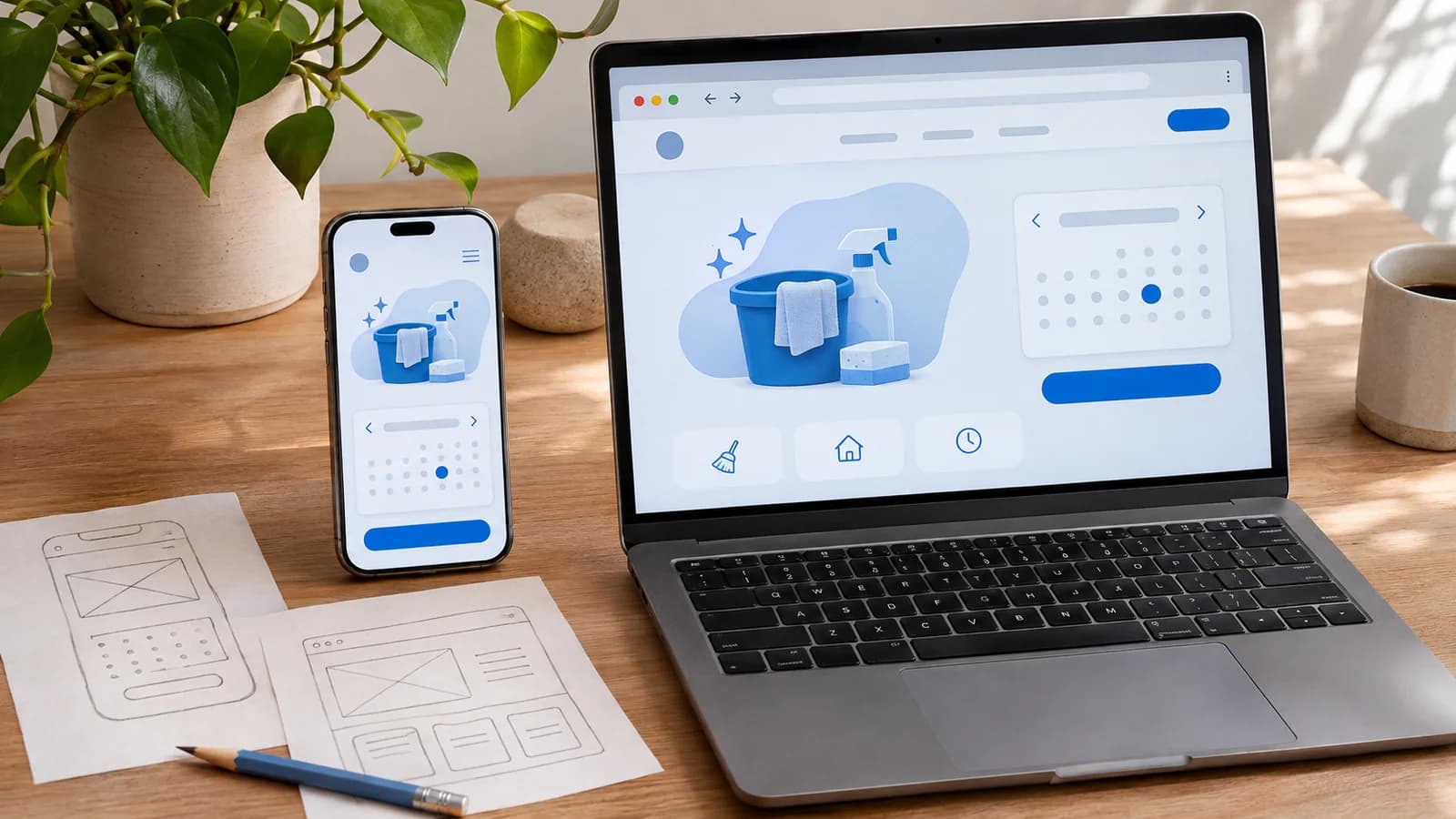
A customer finding your company, an employee managing appointments and a technician recording work on an iPhone may all use the same business service. They need different tools to finish their tasks comfortably. Choosing the technology starts with understanding those tasks.
A native app built in Swift can be a strong fit for a repeated Apple-device workflow. A Next.js website can help people discover and understand your offer. A Next.js web app can give customers or staff an interactive workspace in the browser. These products can also work together.
The useful comparison is what each approach asks your team to build, test, release and maintain. A booking service will serve as an illustrative example throughout this article; it is not a client case study or a promise about delivery costs.
What are we comparing?
Swift is a programming language. In this comparison, it means a native iPhone or iPad app, commonly using SwiftUI and Apple's frameworks. Swift itself also has uses beyond Apple devices, as the Swift project explains. SwiftUI provides tools for interfaces across Apple platforms.
Next.js is a web framework built on React, usually developed with TypeScript or JavaScript. A public website primarily explains something and helps a visitor take the next step. A web app supports an ongoing task, such as managing appointments, documents or team activity. The same Next.js project can contain both.
The choice is between product approaches and their supporting technology, rather than two equivalent programming languages.
Six differences that affect the project
1. Audience, access and discovery
For our booking business, a public website might explain the services, coverage area and preparation requirements. A link can take a new visitor directly to the relevant page without an installation step. It is a useful place to test whether people understand the offer before asking them to create an account.
A native app needs a reason for someone to install and return. That reason might be a technician's daily job list or a customer's recurring membership. Define the supported Apple devices explicitly; an iPhone app does not provide an Android edition.
Public web pages also need deliberate titles, descriptions and social previews. Next.js provides metadata tools for those elements, but search visibility still depends on useful content and indexable pages. A private appointment dashboard should keep customer information behind authentication and out of search results.
2. Interface, device features and offline work
A native team can build around Apple controls, gestures and system integrations. Decide which integration changes the actual workflow before choosing it as a requirement. For a technician, capturing evidence or working with a particular accessory may matter more than reproducing a marketing page inside an app.
Browser apps can use device capabilities too. Camera access and notifications are not exclusively native features. WebKit documents Web Push for supported Home Screen web apps on iOS and iPadOS. Support, installation requirements and permissions still need checking on the audience's devices.
Offline behaviour needs its own plan in either product. Decide what can be read or edited without a connection, how pending changes are shown and what happens when two people change the same appointment. The Next.js PWA guide covers web-app capabilities and offline considerations; selecting the framework alone does not provide a complete offline workflow.
3. Where the code and business rules run
A native app runs its interface and local behaviour on the device. Shared records, account permissions and authoritative booking decisions still need an appropriate backend. Keeping a button hidden on a phone does not protect an appointment or make a requested time available.
Next.js combines browser and server work. In the App Router, pages and layouts default to Server Components; interactive controls can use Client Components. This is a code boundary, not a promise that every page is generated on each request. The official Server and Client Components guide explains that division.
Next.js can also expose HTTP endpoints and update data through its backend-for-frontend capabilities. Some projects need additional services. Ask the team where permissions, booking conflicts, integrations and background jobs will be handled, whichever interface the customer uses.
4. Testing, release and distribution
For an App Store product, allow for signing, device testing, store information, privacy disclosures and submission. TestFlight supports beta distribution and feedback; a successful beta is not App Store approval. Apple's review guidelines remain part of preparing the public release.
A website release generally publishes a new version to the hosting environment without an App Store review step. That makes a small content correction easier to distribute, but deployment still needs verification and a recovery plan. Browser caches, installed web apps and people with an older page open can affect which version they use.
For either approach, test the complete booking journey: duplicate submissions, a slot becoming unavailable, interrupted connections, failed sign-in and a person returning later. Define who authorises release and who responds if something breaks. Review approval and deployment success both need to be followed by checks of the actual product.
5. Performance and the testing environment
Compare the task you want to improve. For a new visitor, useful measures include how quickly service information appears and whether the booking form responds on an ordinary phone. For an employee, consider app launch, scrolling a long schedule and saving a change during a weak connection.
Native development offers control over the device experience, but an app can still launch slowly or wait on a poor API. Web performance also depends on decisions about rendering, images, browser JavaScript, data access and caching. Neither technology guarantees a fast product.
Use representative physical devices for native acceptance and relevant browsers for web acceptance. A simulator, development server or powerful laptop can help find problems without proving the experience your customers will receive. Compare complete workflows under similar conditions rather than a screenshot or a technology label.
6. Cost, ownership and maintenance
Price the actual scope rather than assuming an app is always expensive or a website is always simple. A public service site, a multi-role booking system and an offline technician app involve different work, even if their first screen looks similar.
For a native product, include supported devices, operating-system updates, testing, store materials and release support. For a web product, include responsive layouts, browser testing, hosting, content, server operations and integrations. Both may need authentication, databases, backups, monitoring and support.
An additional client means additional work to maintain. Sharing records and business rules can reduce duplication, while the phone interface and browser interface still need their own attention. Ask for a breakdown of the first release, ongoing responsibilities and future platform additions. A lower initial quote is only useful when everyone understands what it includes.
Compare the three products at a glance
| Decision | Native Swift app | Next.js website | Next.js web app |
|---|---|---|---|
| Main purpose | Support a repeated task on selected Apple devices. | Explain the offer and help visitors enquire. | Let people manage bookings and related work in a browser. |
| First access | Install the app through its chosen distribution channel. | Open a public page from a link or search. | Open a URL and authenticate where required. |
| Release work | Qualify the build and prepare App Store submission. | Check content, forms and deployment. | Check application behaviour, data changes and deployment. |
| Offline requirement | Design local storage, queued changes and synchronisation. | Decide whether any information needs offline access. | Design browser storage, caching and synchronisation where needed. |
| Ongoing ownership | App code, Apple compatibility, store presence and any backend. | Content, browser compatibility, hosting and forms. | Web clients, permissions, data, hosting and integrations. |
Can Swift and Next.js work together?
Yes. Our illustrative business could use a public Next.js website for discovery, a browser workspace for office staff and a Swift app for technicians. A shared service could own appointments and permissions, while each interface presents the work appropriately.
Start by agreeing the data contract: what an appointment contains, who may change it, how a conflict is reported and which changes must remain compatible with older installed apps. Keep the authoritative rules on the server. Shared data does not require three identical interfaces, and having two technologies does not justify building three products before the need is established.
How to choose a sensible first release
Write down who will use the product, how often they return, which devices they have and what they must complete. Then identify the requirement that would rule an approach out: an essential device integration, a demanding offline task, a broad browser audience or a workflow dominated by a desktop workspace.
For a company whose immediate problem is explaining services and receiving enquiries, begin by assessing the website. For staff who need a shared operational workspace, assess the web app. For a repeated Apple-device task with a clear benefit from native integration, assess a native app. These are starting points to validate against real users, rather than universal rules.
Our app-versus-website UI/UX comparison examines the interface decisions. The prototype-to-App-Store guide explains the native delivery process in more detail.
Common questions
Does Next.js turn a website into a native iPhone app?
Not by itself. A browser product can be designed for installation as a web app, while native development and hybrid approaches involve different packaging and capabilities. Define which product you mean before comparing proposals.
Is Swift always faster than Next.js?
There is no useful universal result for this comparison. Measure the same meaningful task, including the backend and network conditions, on the devices your audience uses.
Should we build both from the beginning?
Only when each serves a justified need and the budget covers operating both. Start with the smallest complete journey that provides value, while keeping the data contracts ready for sensible extensions.
If you are choosing between a native app, website and web app, discuss the workflow with Dorobanti Media. Bring the audience, essential tasks, existing systems and practical constraints; those facts make a technology proposal useful.