How to plan a website for a business with multiple locations
Plan a multi-location website with useful local pages, accurate data, search visibility, clear routing, ownership, analytics, and a scalable publishing model.
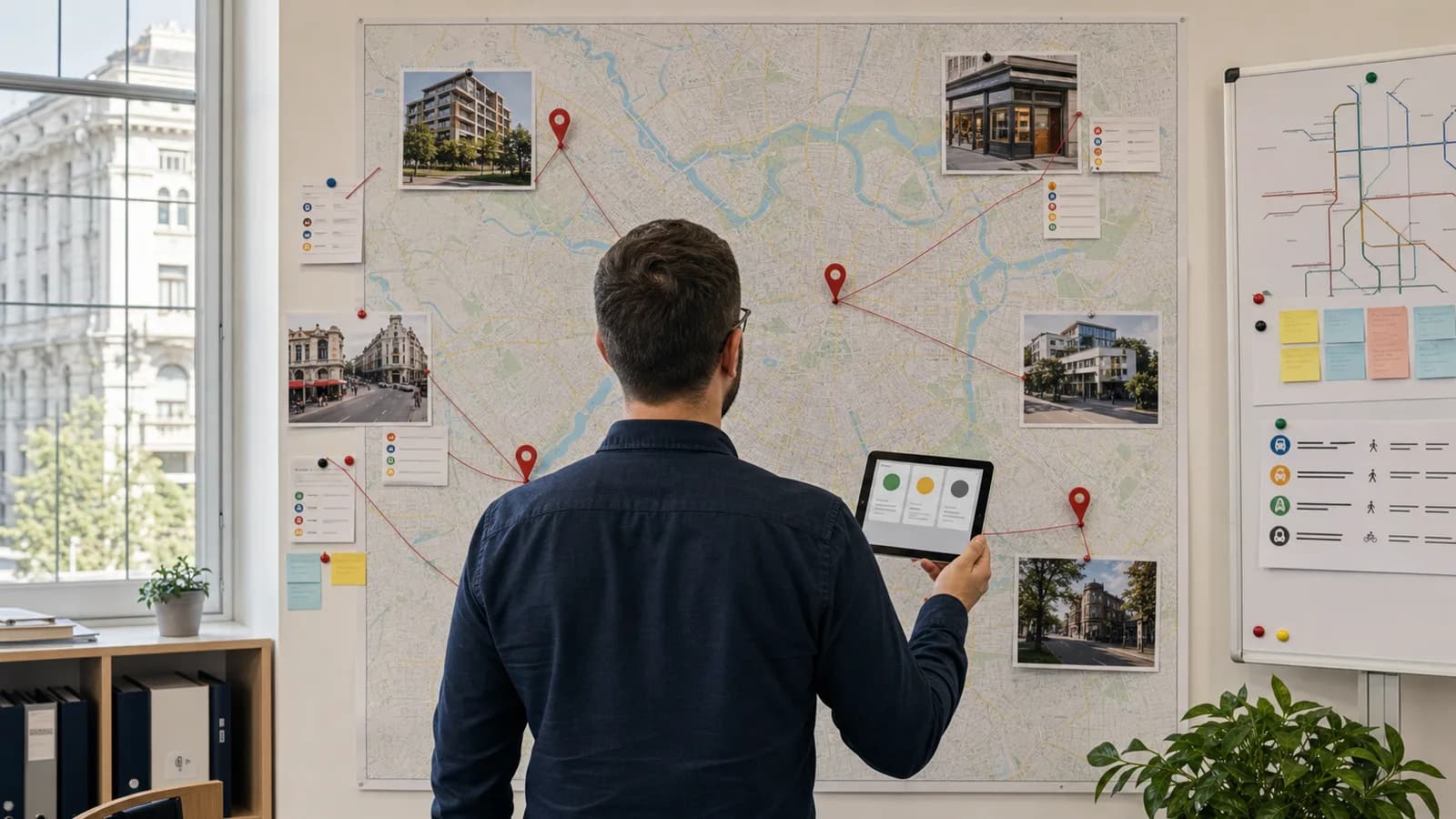
A multi-location website must answer two questions quickly: “Is this business right for me?” and “Which location can serve me?” Many sites answer the first with a polished brand page and make the second surprisingly difficult. Addresses are buried, opening hours conflict, booking links lead to the wrong branch, and every location page repeats the same generic paragraph.
The solution is not to create more pages mechanically. It is to design one reliable location system.
Model the real organisation first
List every customer-facing location and the facts that can differ: official name, address, coordinates, phone, email, hours, holiday exceptions, services, service area, accessibility, parking, transport, staff, languages, amenities, booking link, menu or catalogue, images, and temporary status.
Decide what counts as a distinct location. A virtual office is not a storefront. A department inside another venue may need separate representation only when it operates distinctly. Google’s Business Profile guidelines require accurate real-world representation and generally one profile per eligible location. Align the website, profiles, signage, and business records instead of inventing search-oriented names.
Store location data in structured fields rather than copying it into several pages. One source of truth should feed the page, location finder, footer, schema, and integrations. Otherwise a holiday-hours edit can leave conflicting information in several places.
Give each eligible location a useful page
A location page needs a stable, readable URL such as /locations/cluj-centre, a unique title, address, phone, current hours, directions, relevant services, and a clear local action. A branch-specific booking or order link should lead to that branch, not return the user to a national selector.
Add information that helps a real visit: entrance instructions, floor, parking, public transport, accessibility, collection procedure, landmarks, service radius, or the best contact for that team. Use genuine photographs of the exterior and interior so customers can recognise the place.
Avoid creating near-identical pages for every neighbourhood the business hopes to target. A useful location page represents real operations and unique customer information. Thin doorway pages create maintenance burden and weak trust.
Keep brand content shared and local content specific
The main service pages should explain the company’s common offer deeply. Location pages can then show availability, local variations, team, proof, and practical details without duplicating the entire service description.
Where services differ materially, use a clear relationship: national service overview → location page → locally available service or booking. Do not force visitors to guess whether every branch provides every treatment, product, or appointment type.
Local proof is valuable when authentic: photographs, case examples, event details, neighbourhood delivery information, or reviews displayed under applicable platform and legal rules. Replacing the city name in the same marketing paragraph is not local content.
Design location discovery around user context
Provide a visible “Locations” route in navigation. A finder can support city, postcode, service, and current-open filters when the network is large enough. Always include a browsable text list; do not make an interactive map the only way to find a branch.
Ask for geolocation only after explaining its benefit, and provide manual search. “Near me” can fail when permission is denied, the user is planning for someone else, or their current location is not the intended destination.
Sort results by meaningful distance or region and show decisive facts in the card: branch name, area, current status, next opening time, relevant service, and primary action. Preserve the chosen location as the user moves into booking or ordering.
Connect local search surfaces carefully
Each eligible Business Profile should point to the most relevant location page. Google also advises that location-specific action links lead to a website for that specific location. Keep address, phone, hours, and official naming consistent while allowing the page to provide richer context.
Use LocalBusiness structured data that matches visible content. Google’s LocalBusiness documentation explains supported properties for details such as hours and departments. Structured data helps machines interpret information; it does not replace a useful page or guarantee a search feature.
Maintain correct canonical URLs, indexable text, internal links, XML sitemap entries, and redirects when branches move or close. Do not silently reuse an old location URL for an unrelated new branch.
Plan closures and changes before they happen
Location data changes more often than brand pages. Decide who can update hours, temporary closures, phone numbers, booking destinations, staff, and services. Use validation and approval for critical fields. Record the last update and consider reminders before public holidays.
For a temporary closure, explain the status and alternatives while preserving the page. For a permanent closure, keep a useful notice long enough to redirect customers, then redirect only to a genuinely relevant replacement or regional list. Update the Business Profile and other directories as part of the same checklist.
For a network of locations, check Google’s bulk management options and eligibility requirements. Regardless of scale, avoid shared personal accounts; use managed ownership, appropriate roles, and documented recovery.
Measure by location without fragmenting insight
Track location-page views, finder searches, direction clicks, calls, bookings, orders, and form submissions with the location identifier attached. Separate discovery location from fulfilment location when the customer can switch. Connect web outcomes to operational data where practical.
Compare branches carefully. A lower conversion rate may reflect different services, capacity, opening hours, local demand, or traffic sources instead of a weaker page. Monitor failed searches and zero-result services because they can reveal expansion opportunities or misleading navigation.
Use one measurement framework across the network so the team can see common problems and local differences. Do not create independent analytics setups that make comparison impossible.
Build for the next location
A scalable model lets the team add a location through validated data, selected content, images, profile connection, quality checks, and publishing. It should not require cloned code. Create a launch checklist covering ownership, URL, local facts, schema, map pin, contact tests, privacy, accessibility, analytics, redirects, and search profiles.
Define what must be unique and what inherits from the brand. Train local managers to supply accurate information while a central owner protects naming, quality, and technical consistency.
A strong multi-location website feels local without becoming fragmented. Customers reach the correct branch with accurate expectations, search platforms receive consistent evidence, and the company can open, update, or close locations through a controlled process. The map is the visible part; dependable information ownership is the real infrastructure.