Contact form, WhatsApp, phone, or booking: which should your website prioritise?
How to choose the right website contact channel based on urgency, complexity, availability, privacy, operations, lead quality, and customer expectations.
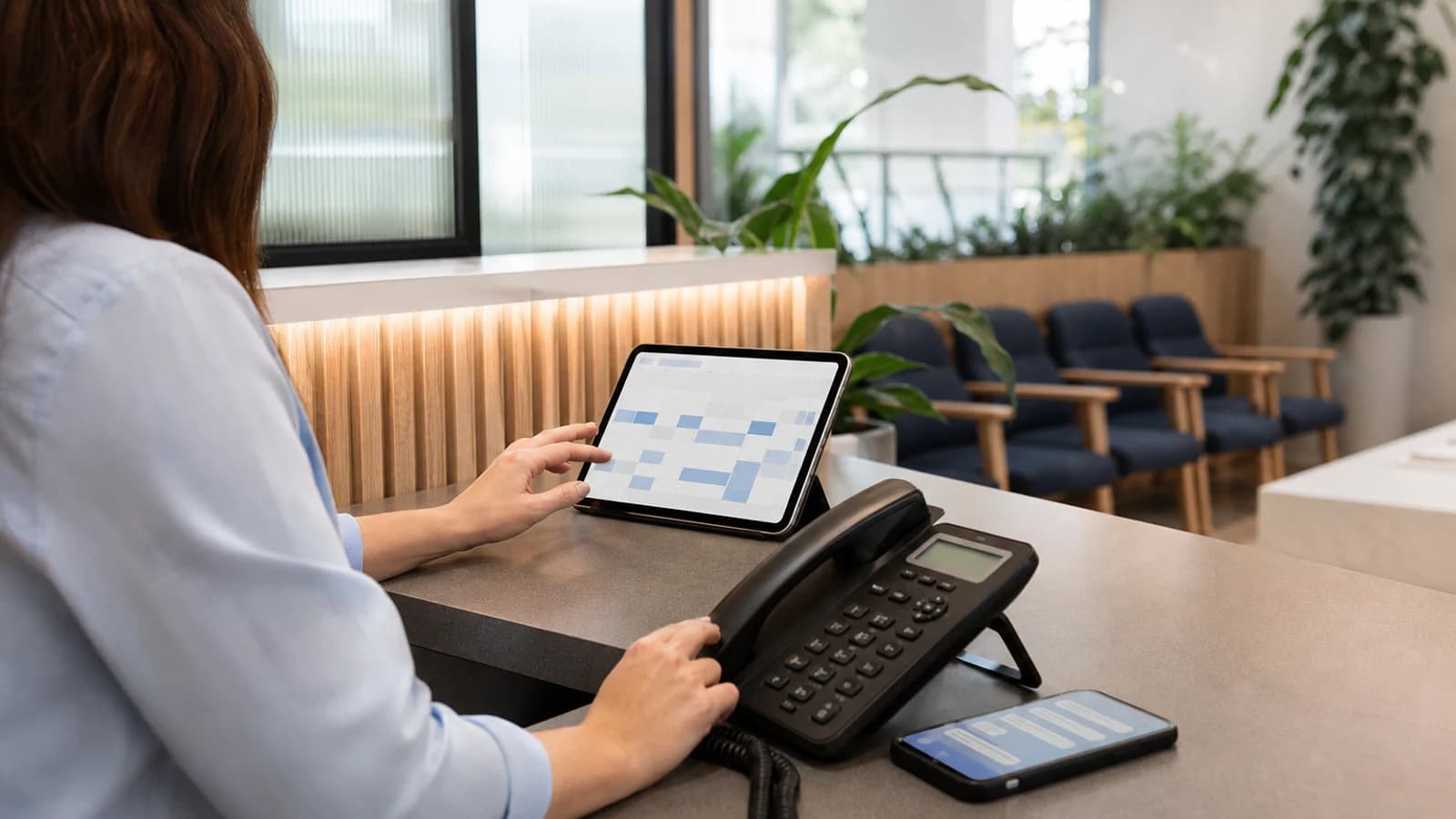
The best contact channel is not the one with the lowest apparent friction. It is the one that matches the customer’s situation and leads to a response the business can deliver reliably.
A phone call is perfect for an urgent same-day question and frustrating when nobody can answer. WhatsApp feels immediate until messages are spread across personal devices. A form can qualify a complex project but may ask for too much information for a simple table reservation. Online booking creates certainty only when availability and rules are accurate.
Most local-business websites need more than one route. They still need a priority.
Choose according to the customer’s task
Begin with the reason for contact rather than the channel. Common tasks include:
- checking immediate availability;
- booking a known service;
- requesting a tailored proposal;
- asking a question before deciding;
- reporting an urgent problem;
- arranging a large event;
- finding the location or opening hours;
- changing an existing appointment.
Each task carries a different level of urgency, complexity, sensitivity, and information. The website should route it to the operational system best equipped to respond.
If every button says “Contact us,” the customer must choose blindly and the business receives poorly structured demand.
Phone calls: best for urgency and nuance
Prioritise the phone when:
- the question is time-sensitive;
- a short conversation resolves uncertainty faster than writing;
- the customer may need reassurance or accessibility support;
- staff are genuinely available to answer;
- the service involves immediate logistics.
Restaurants, clinics, repair services, and venues often benefit from a visible tap-to-call action during operating hours. Show the expected hours and identify what the number is for.
The weaknesses are interruption, limited capacity, no automatic written record, and accessibility barriers for some customers. Calls also fail when reception is serving people in person. Use voicemail or a clear fallback, define who returns missed calls, and never advertise “Call now” when the line is routinely unattended.
Measure qualified calls where appropriate, not merely taps on the number. A tap does not prove that a conversation happened.
WhatsApp or messaging: best for short asynchronous exchanges
Messaging works well for simple questions, sharing a location or reference image, and conversations that do not require both parties to be available at once. It feels familiar and can preserve useful context.
It becomes difficult when:
- messages arrive on an employee’s personal account;
- several staff answer without ownership;
- customers expect instant replies at all hours;
- sensitive information is sent without an appropriate process;
- conversations are not connected to booking or customer records;
- important details disappear inside a long thread.
Use a business-managed account and publish realistic response hours. A prefilled opening message can identify the source page, but let the customer edit it. Provide a fallback for people who do not use the platform.
Do not make messaging the default merely because it is popular. Review privacy, retention, access, and hand-off procedures for the actual information being exchanged.
Contact forms: best for structured or complex enquiries
A form is useful when the business needs specific information before responding. Project studios may need service type, timing, location, and a short brief. Event venues may need date and guest count. Service businesses may need a postcode and issue category.
A good form:
- asks only what is necessary at this stage;
- explains why sensitive or unusual information is needed;
- uses appropriate field types and autocomplete;
- provides clear labels, errors, and keyboard access;
- protects against abuse without creating a puzzle;
- confirms successful delivery and expected response;
- sends notifications to a monitored destination;
- stores data only according to a documented need.
Avoid turning the first contact into an application. Every required field must earn its place. A budget range can help qualify a complex project, but asking for company registration details before a simple conversation usually adds needless friction.
Test the complete route regularly. A form can display success while the notification email is rejected in the background.
Online booking: best for standardised availability
Booking should be primary when customers choose from defined services, staff, durations, locations, and available times. It can reduce telephone work and provide immediate confirmation.
The system needs accurate:
- calendars and capacity;
- service duration and buffer time;
- staff or resource assignments;
- timezone and location;
- price, deposit, and payment rules;
- cancellation and rescheduling terms;
- reminders and confirmation;
- handling for exceptions.
Do not force a complex or sensitive case through a rigid calendar. Some appointments require triage, eligibility, preparation, or a conversation first. Offer “Request an appointment” rather than instant booking when staff must approve it.
Third-party booking must feel like a continuation of the website. Preserve the business name, selected service, language, accessibility, and privacy expectations across the hand-off.
Match the channel to urgency and complexity
A simple model is useful:
| Situation | Strong primary channel | Useful fallback | | ------------------------------------------ | ---------------------- | --------------- | | Urgent and simple | Phone | Messaging | | Simple but not urgent | Messaging | Short form | | Complex, considered purchase | Structured form | Scheduled call | | Standard service with live availability | Online booking | Phone | | Sensitive or eligibility-dependent request | Secure request form | Phone guidance | | Directions and opening information | Self-service page | Phone |
This is not universal. A hearing-impaired customer may prefer text even for an urgent issue. A business must offer reasonable alternatives rather than make one channel an exclusion.
Put the right action on the right page
The homepage can present the overall primary action, but service pages should be specific. “Book a consultation” is stronger than “Get started.” “Ask about a private event” should lead to the event form, not the general inbox. “Call for same-day availability” can appear only where that promise is operationally true.
Preserve context when the customer moves. Preselect the service in the form, carry the location into booking, or include the page title in the message. Do not make people repeat the path they already took.
Keep secondary options visible without giving four identical buttons equal visual weight. A contact block can say: “Book online for standard appointments. Call for same-day changes. Use the form for other questions.”
Set response expectations
Channel choice creates a promise. Phone implies immediacy. Messaging implies a conversational response. A form implies that the submission has entered a managed process. Booking implies availability is real.
Publish accurate expectations:
- phone hours;
- typical messaging response window;
- form response time in business days;
- whether a booking is confirmed or requested;
- what to do for urgent, emergency, or unsupported needs.
Automated confirmation should repeat the essential details, provide a reference where useful, and explain the next step. It should not claim “we will reply shortly” if the team normally needs three days.
Design for privacy and safety
Collect the minimum information needed for the current step. Use secure transport, controlled access, appropriate retention, and documented processors. Do not ask customers to send medical records, identity documents, payment details, or other sensitive material through an informal channel without a suitable process.
Explain what the channel is not for. A clinic website should distinguish appointment requests from emergencies. A financial or legal service may need a disclaimer that first contact does not establish a professional relationship. Requirements vary, so obtain appropriate specialist advice for high-risk workflows.
Measure contact quality alongside clicks
Track the route from page to outcome with appropriate privacy controls:
- tap-to-call and answered qualified calls;
- messaging starts and resolved conversations;
- form starts, validation failures, successful submissions, and qualified leads;
- booking starts, completions, cancellations, and no-shows;
- response time by channel;
- common reasons staff redirect customers.
If many visitors call only to ask for the address, improve the visit page. If forms are abandoned at the attachment field, test whether it is necessary. If messaging produces high volume but few viable requests, add clearer service and price context before the button.
A practical setup for many local businesses
For a focused service business, the following hierarchy often works:
- Primary: the action closest to the desired outcome, such as booking a standard appointment or sending a structured enquiry for considered work.
- Secondary: phone for urgent, nuanced, or accessibility needs during stated hours.
- Optional: business messaging for short questions within a published response window.
- Self-service: clear services, prices or price factors, hours, directions, policies, and common questions.
Review the hierarchy after observing real demand. The correct channel mix is an operational decision, not a permanent design preference.
A contact button is the visible end of a service process. If nobody owns what happens after the click, changing its color will not improve conversion.
Prioritise the route the business can fulfil consistently, explain the alternatives, and preserve context from page to response. The easiest contact experience is the one that reaches the right person with the right expectations.