Restaurant website checklist: menu, reservations, hours, and local search
A restaurant website checklist covering mobile menus, reservations, opening hours, photography, private events, local SEO, accessibility, and measurement.
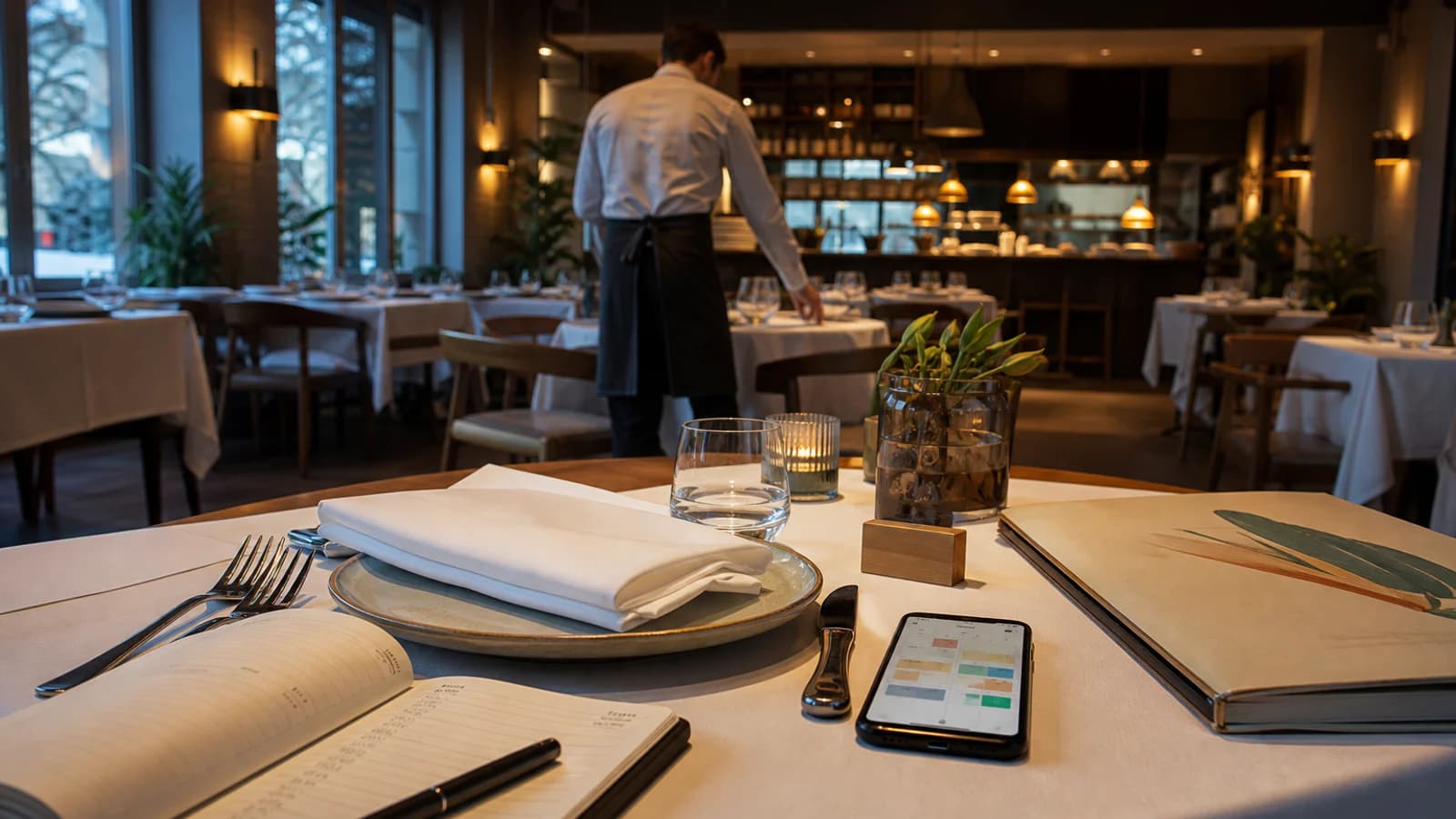
A restaurant website has a short list of difficult jobs. It must create desire, answer practical questions, set accurate expectations, and move a guest toward a reservation, order, call, or visit. Much of this happens on a phone and with limited time.
Visual atmosphere matters, but it cannot compensate for an unreadable menu, outdated opening hours, or a reservation button that leads nowhere. The strongest restaurant sites treat hospitality as information design: anticipate what the guest needs and remove uncertainty before arrival.
State the concept immediately
The opening screen should communicate the restaurant’s name, cuisine or experience, location, and primary action. A poetic line can add character, but it should not make the visitor guess whether the venue is a neighbourhood bakery, tasting-menu restaurant, cocktail bar, or event space.
Useful opening information may include:
- cuisine and format;
- neighbourhood or city;
- lunch, dinner, takeaway, or delivery availability;
- reservation status;
- one distinctive and supportable reason to choose the venue.
Use real photography that matches the current room, food, and level of formality. A guest should not arrive expecting an experience created by stock imagery or a previous interior.
Make the menu readable on a phone
The menu is usually the most important content after location and availability. Publish it as structured web content, not only as photographed pages or a PDF.
A mobile-friendly menu should:
- load quickly without a document viewer;
- use legible type and sufficient contrast;
- separate food and drink sections clearly;
- show current names, descriptions, and prices;
- identify allergens or dietary information as required and appropriate;
- explain portion, sharing, or tasting formats where relevant;
- show when breakfast, lunch, dinner, or seasonal menus apply;
- include the date or update responsibility internally.
A downloadable PDF can remain useful for printing or sharing, but it should be secondary. If the PDF changes, the website version must change too. Establish one source of truth so an old menu does not remain indexed.
Avoid placing essential descriptions inside images. Search systems, screen readers, translation tools, and customers zooming on small screens all need real text.
Design the reservation path around operations
Decide what the restaurant can actually support:
- instant online confirmation;
- a request that staff approves later;
- telephone reservations;
- walk-ins only;
- separate processes for groups and events;
- deposits or card guarantees;
- waiting lists.
Do not label a form “Book now” if it only sends an unconfirmed email. Explain whether the table is confirmed, when the guest will hear back, and what to do if the requested time is close.
The booking flow should preserve the restaurant identity, work on mobile, show available dates and party sizes clearly, explain cancellation or deposit terms before commitment, and provide a confirmation the guest can retrieve.
Test the hand-off to third-party providers. Broken return links, a different restaurant branch, wrong timezone, or a Romanian-only interface inside an English journey can cause abandonment.
Keep opening hours precise everywhere
Guests may find hours on the website, Google, Maps, social profiles, reservation platforms, and directories. One incorrect surface can create a wasted journey.
Publish:
- regular kitchen and venue hours;
- differences between lunch and dinner;
- last seating or last order when useful;
- holiday and private-event closures;
- takeaway and delivery hours if different;
- contact instructions for same-day uncertainty.
Assign one person to update all channels. Google’s restaurant guidance recommends maintaining core information, special hours, menus, photographs, reservations, and performance through the Business Profile.
Help the guest reach the right entrance
The contact or visit page should include the complete address, a correct map pin, phone number, directions, nearby transport, parking context, and accessibility information.
For a venue inside a hotel, courtyard, market, or mixed-use building, explain the entrance. For multiple branches, give each location a dedicated page or clearly separated section with its own menu, hours, telephone, booking link, and photographs.
Do not let one generic contact page create doubt about which restaurant the guest reserved.
Use photography to set expectations
A useful image library covers more than plated food:
- exterior and entrance;
- dining room at a representative time;
- table spacing and seating types;
- bar, terrace, private room, or open kitchen;
- signature dishes and real portion presentation;
- team and service moments, with permission;
- details that communicate material and atmosphere;
- private-event configurations.
Balance close detail with wider spatial views. Excessive dark filters can make food and the room difficult to understand. Compress images and serve responsive sizes; a large photographic homepage should still feel fast on mobile data.
Give private events their own decision path
If events are commercially important, do not hide them in one sentence. Explain:
- suitable occasions;
- capacities by room or layout;
- seated and standing options;
- menu or beverage formats;
- exclusivity and minimum-spend principles where appropriate;
- equipment and accessibility;
- what information an enquiry should include;
- realistic response time.
Show the room configured for an event. Use a focused enquiry form that asks date, guest count, occasion, and contact details without demanding a complete production brief.
Coordinate the website with local search
The restaurant’s website and Google Business Profile should agree on name, category, address, phone, hours, menu, reservation URL, attributes, and photographs. Google allows eligible profiles to use links for menus, reservations, and food orders through local business links.
Link each action to the relevant destination, not automatically to the homepage. Keep the menu URL crawlable and representative of the complete offering. Monitor third-party links that may appear and set the preferred provider where supported.
On the website, use the most appropriate Restaurant or LocalBusiness structured information for visible facts. Google’s structured-data guidance includes restaurant-relevant fields such as address, telephone, URL, price range, and cuisine. Markup must match the page and does not replace a complete profile.
Explain dietary information responsibly
Dietary labels and allergen information need a documented operational source. Avoid broad assurances such as “allergy friendly” when cross-contact is possible. Explain how guests should notify the restaurant and which channel is appropriate before arrival.
Icons must have text equivalents and a legend. Color alone should not communicate critical information. Keep the website, printed menu, ordering platform, and staff guidance aligned when recipes change.
Requirements vary by jurisdiction and operation; obtain appropriate specialist advice rather than treating a generic website checklist as legal guidance.
Build accessibility into the complete visit
Digital accessibility includes keyboard navigation, visible focus, contrast, headings, text alternatives, reduced motion, and usable forms. The content should also describe the physical visit where relevant: step-free entrance, lift, accessible toilet, seating constraints, lighting, or quiet periods.
Publish only facts the team has verified. Give guests a contact route for needs that require confirmation. Accessibility information is most useful when it is specific rather than reduced to a generic badge.
Measure actions, not admiration
Track meaningful events with appropriate privacy controls:
- menu views;
- reservation starts and completions;
- calls and direction taps;
- private-event enquiries;
- order hand-offs;
- language and location pages used;
- booking errors or abandonment.
Connect website data with reservation and enquiry outcomes where responsibly possible. A heavily viewed gallery may create interest, but a broken booking flow costs tables.
A weekly restaurant website check
Before the busiest service of the week:
- verify hours and exceptional closures;
- open the menu from a phone;
- complete a test reservation for each branch and language;
- confirm telephone and map links;
- check current menu prices and unavailable items;
- review private-event enquiries and form delivery;
- inspect profile links and recent customer questions;
- replace information that no longer matches the room or operation.
The website begins the hospitality experience before the guest reaches the door.
Make it appetising, but also precise. A clear menu, trustworthy availability, accurate local information, and a dependable reservation path are what turn visual interest into a table occupied by the right expectation.